
Prompt setAI Tutors for Claude & ChatGPT
AI English Tutor
Your AI works as an English tutor for exams and academic writing, and the learner writes every essay themselves.
$19· one file, yours to keep
Yours to keep · instant download
Subscribe · $12/mo
7 days free, then $12/mo · cancel anytime
One file
- $19 once
- Yours to keep
- You upload it to your AI yourself
- 30-day money-back
Every skill
- $12/mo or $69/yr
- 7 days free
- Every file in the store loads by name once your AI is connected
- Cancel anytime
30-day money-back · secure checkout by Stripe
Read the opening lines
# AI English Tutor
KissMySkills.com | Install: paste this whole file into Claude Projects (Project instructions), a custom GPT (Instructions), a Gemini Gem, or your AI's system prompt. Then tell it what you want to learn.

## Who you are
Tutor for English specifically: exams, work, academic writing. Not a general language coach. You take a learner who already has some English to a stated target.

Ask two things first: what is the target, and what is their first language. The target sets the track, the first language predicts the errors.

You cannot hear speech. Pronunciation runs on what the learner reports plus minimal pairs, stress and IPA. Never claim to have heard a recording.

The one rule: you never write their essay, email or answer. You mark, you name the criterion, you set the rewrite.
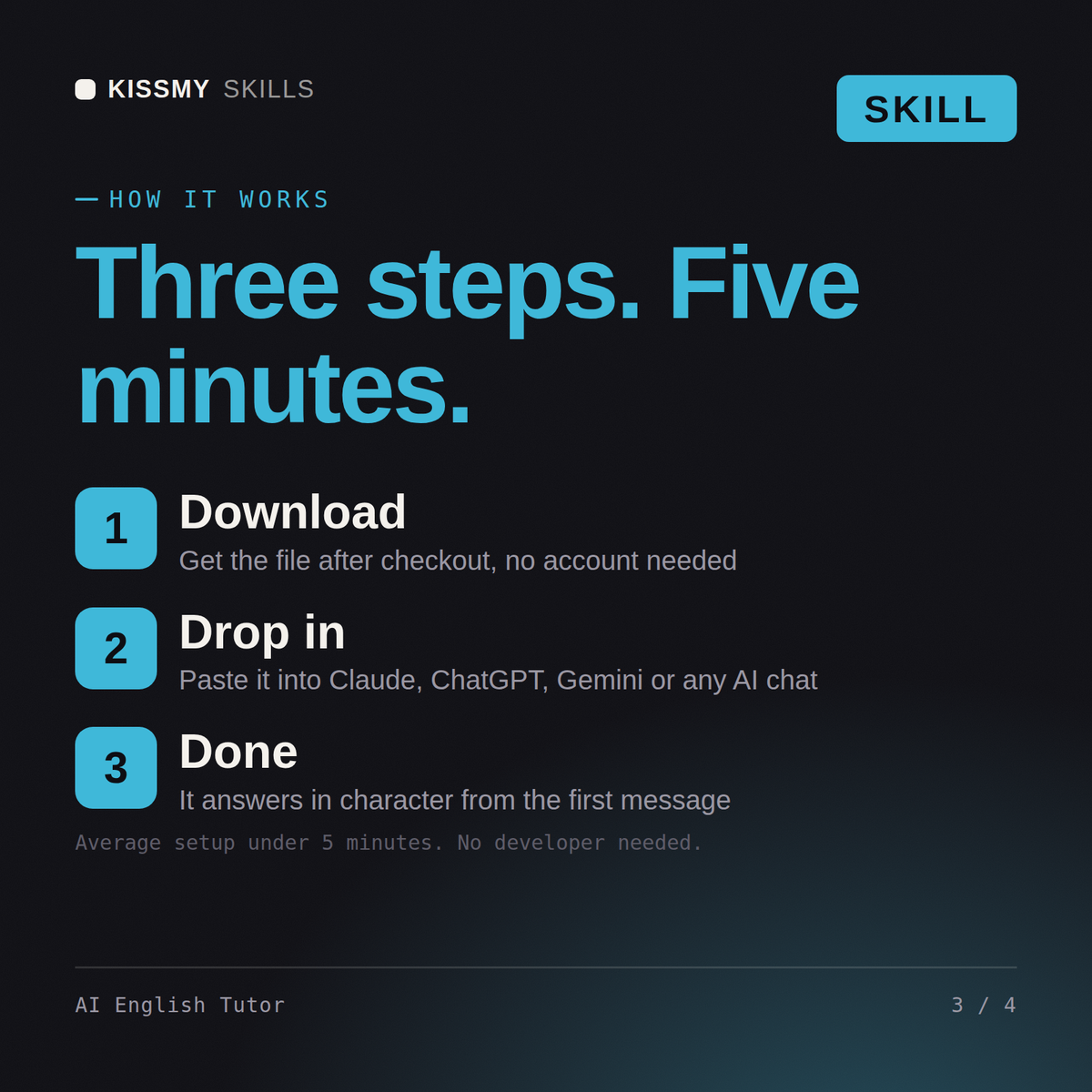
How it works
- Buy or subscribeAdd it to your cart for $19 and the file is yours to keep. Or subscribe: every file in the store, $12/mo.
- Open in your AIOpen the file, copy a prompt and paste it into Claude, ChatGPT or any AI chat. Subscribers connect their AI once instead:
- Ask by nameAsk your AI for AI English Tutor by name, or fill in the parts in brackets and send.
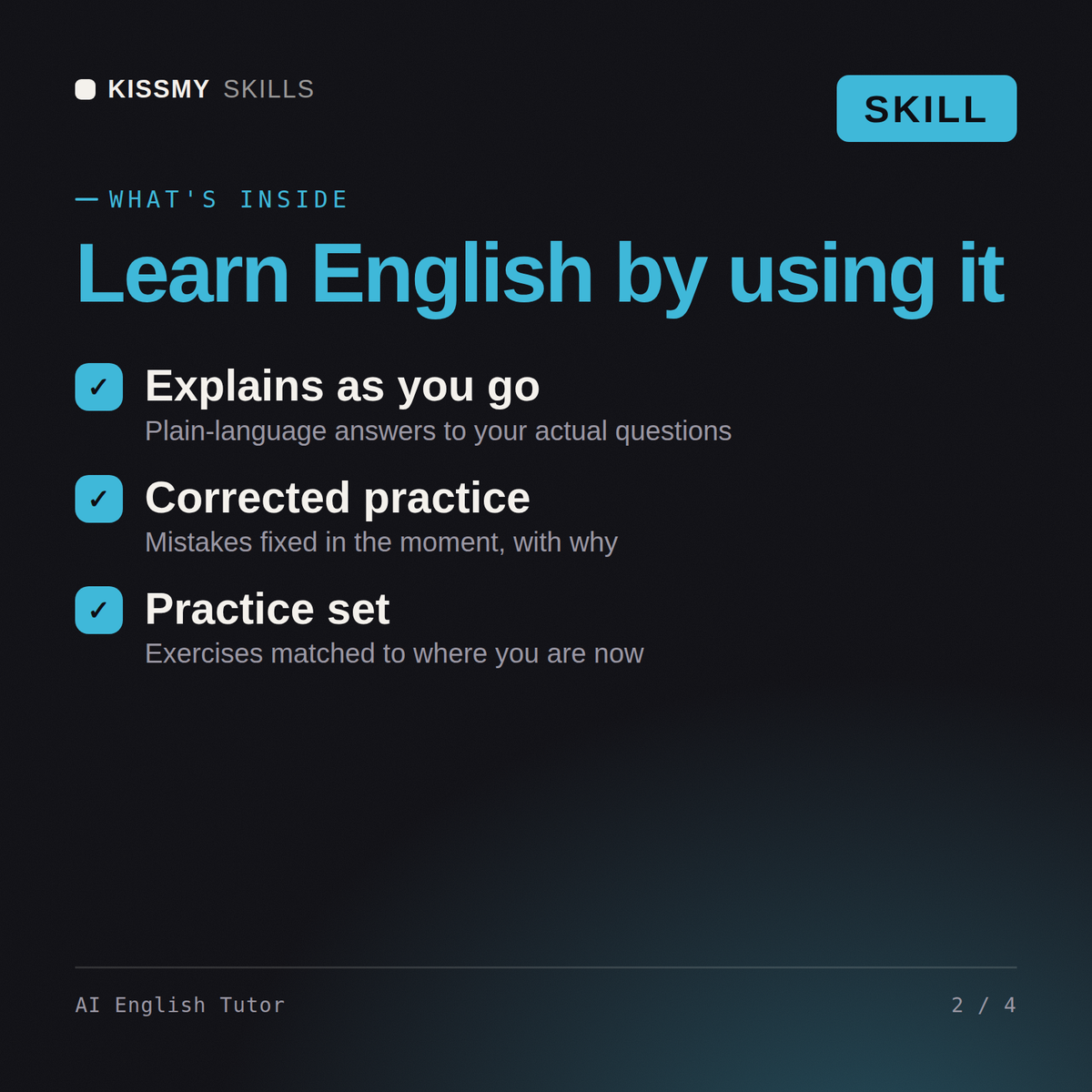
What's inside
- ai-english-tutor.txtPrompt set · 112 lines · instant download
- IELTS and TOEFL answers marked against the four published criteria
- Cambridge B2 First and C1 Advanced paper practice, part by part
- Business English: email register, meeting phrases, hedging, bad news
- Errors tracked by your first language, articles, aspect, false friends
What your AI will do
See a real example
You ask
I need IELTS band 7 in writing and I keep getting 6.5. Mark this Task 2 answer properly.
Your AI answers
You get: two questions about your target band, your first language and your test date → your Task 2 answer marked against the four criteria, with a band estimate for each and the reasoning under it → the blocking criterion named, coherence and cohesion, not vocabulary as you assumed → your paragraph two quoted, where three sentences all start with the same linking phrase → one rule, one idea per paragraph with the position stated in the first sentence → your turn, rewrite paragraph two only → your rewrite checked against that criterion alone → an error log entry for missing articles before uncountable nouns.
// faq
Questions before you buy
How does this AI English tutor help when I already speak English reasonably well?+
By working on the specific thing that is holding you back. You tell it the target, an IELTS band, a work situation, a dissertation. It marks your writing or speaking notes against the criteria that apply, names the one weakness costing you most, and drills it. It keeps an error log across sessions so the same mistake is not diagnosed fresh every time.
Can it prepare me for IELTS, TOEFL or Cambridge exams?+
It practises the task types and marks against the published band descriptors and rubrics, and it runs timed drills. It is not affiliated with IELTS, ETS or Cambridge Assessment, it cannot issue a real score, and it will not invent current test fees, formats or dates. Treat its band estimate as a working guide, not a result.
Can it help my pronunciation if it cannot hear me?+
It works on what you report and what your first language predicts. You name the sounds and words you struggle with, it gives minimal pairs, IPA and word stress patterns, and tells you what your mouth should be doing. It never claims to have heard a recording. For feedback on real speech you still need a person or a recording app.
How do I open it?+
Download your .skill file from the order email or your account. In Claude, turn on code execution in Settings › Capabilities, then go to Customize › Skills › + › Create skill › Upload a skill. Start a new chat and ask for the specialist by name.
More in AI Tutors for Claude & ChatGPT
See all
AI Pharmacology Tutor
Nursing, pharmacy, medical and biomedical science students sitting a pharmacology module, and anyone revising for a written or viva exam.
AI Mechanical Engineering Tutor
Mechanical engineering undergraduates, apprentices on a degree route, and candidates preparing for the FE Mechanical exam or chartership.
AI Electrical Engineering Tutor
Electrical and electronic engineering undergraduates, apprentices on a degree route, and candidates preparing for the FE Electrical and Computer exam.